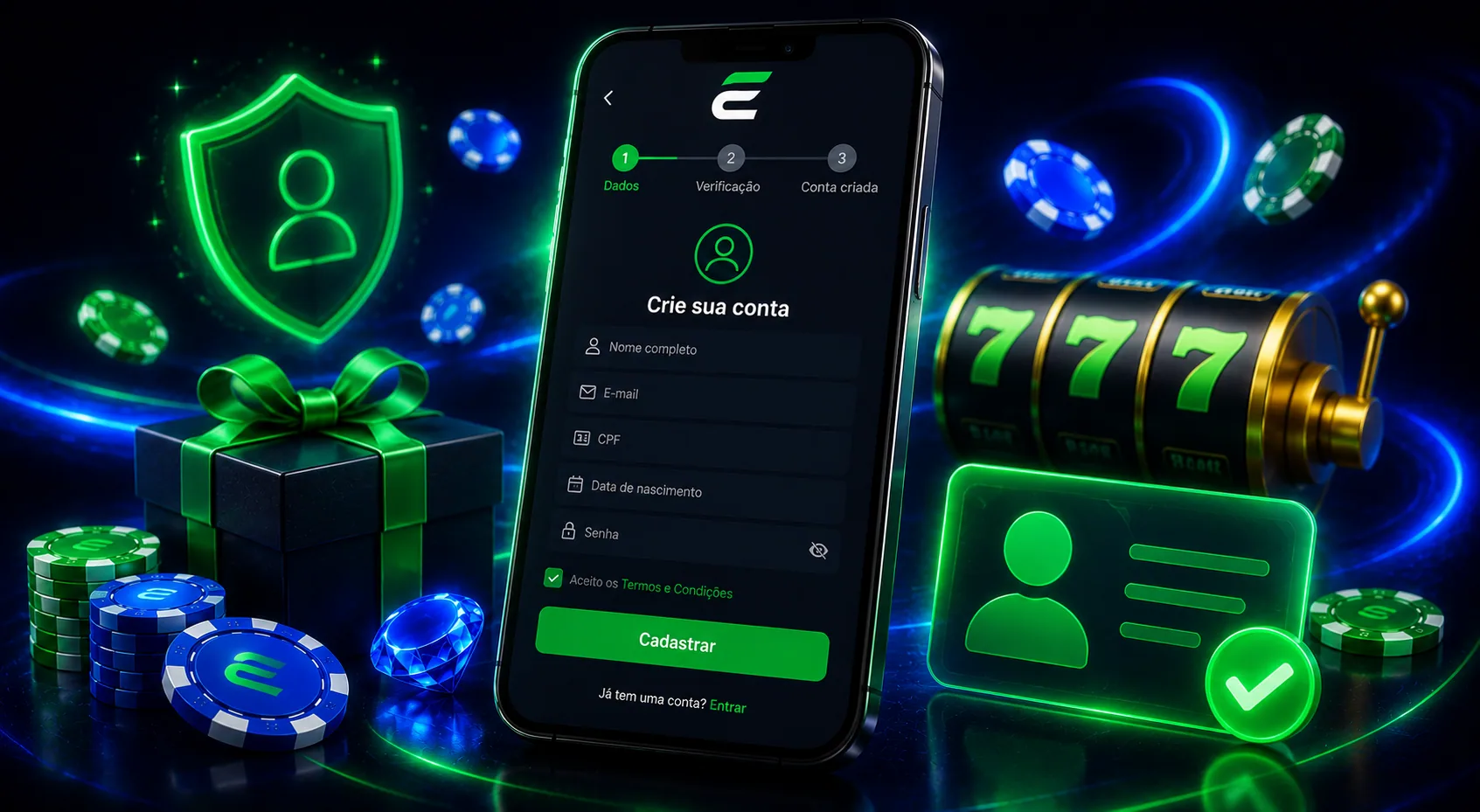


The official Esportes da Sorte Android app is available for download in Brazil via the Google Play Store. Installation is quick and secure, and once it’s on your phone you can log in and place bets just like on the desktop site. Only download the app from official sources to keep your account and payments protected.
If you prefer not to install anything, you can also use the mobile website in your Android browser with the same core features.
Follow the steps below to install the app in a few minutes and start using it right away. Make sure your device is updated and you have a stable internet connection.
- Step 1: Open the official Esportes da Sorte page and tap Download on Android to proceed to the Play Store listing.
- Step 2: Tap “Install” on Google Play and wait for the download to finish.
- Step 3: Open the app and sign in with your account details. If you’re new create an account and complete any required verification.
- Step 4: Make a deposit using Pix (where available), then choose Sports or Casino to start playing.